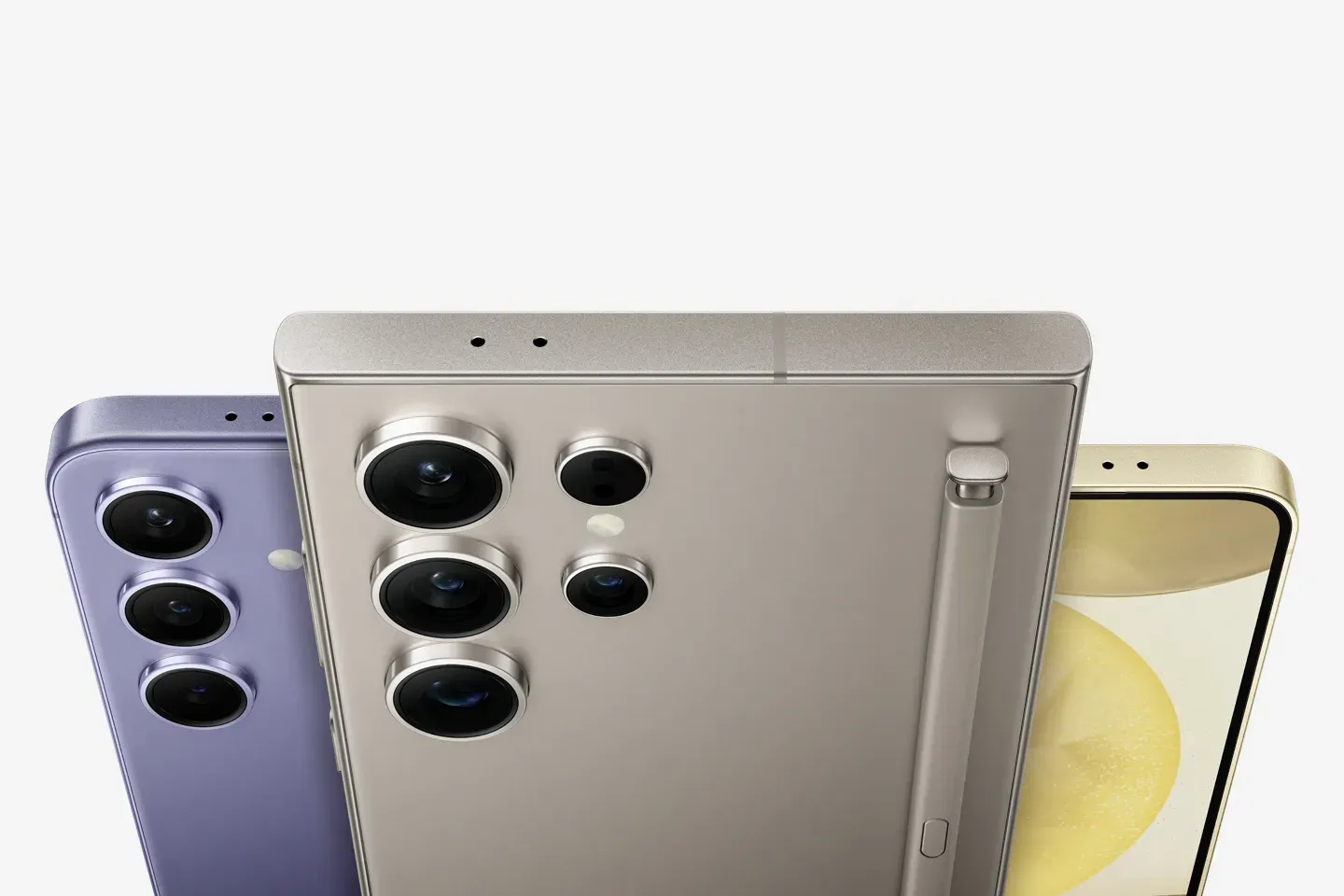
Samsung's Galaxy S26 series now lets users send files directly to iPhones, iPads, and Macs via a Quick Share update that adds AirDrop support. The feature is rolling out to the S26, S26+, and S26 Ultra starting in late March, and it requires you to enable the setting in device settings before cross-platform transfers work.
What's new. Quick Share now routes Apple's AirDrop protocol through the same sharing panel Android users already tap for device-to-device transfers. The feature arrives via a software update but stays off by default. To use it, open Settings, select Quick Share, and toggle on Apple device compatibility; nearby iPhones then appear in the share menu.
Why it matters. Mixed-device teams have relied on email attachments or third-party cloud apps to move files between Android and iOS. Direct transfers eliminate those steps, speeding workflows for professionals who switch between platforms throughout the day.
How activation changes behavior. Keep the setting disabled, and the share menu won't list nearby Apple hardware. In that case, file sharing falls back to Bluetooth pairing or cloud uploads. Flip the toggle on, and iPhones join the proximity list instantly, enabling immediate exchange.
What's next. Samsung began the rollout in South Korea on March 23, with other regions scheduled to receive the update "later this week." The company has indicated that additional Galaxy models will gain the capability, though it hasn't disclosed which phones or specific timelines. The manual opt-in approach gives users control over when they enable cross-platform file sharing on their devices.