• My Feed
  • Home
  • What's Important
  • Media & Entertainment
Search

Stay Curious. Stay Wanture.

© 2026 Wanture. All rights reserved.

  • Terms of Use
  • Privacy Policy
Tech/Software

How Claude's Cowork feature manages your Mac files

Anthropic's supervised autonomy system delegates file operations while you stay in control

13 January 2026

—

Explainer *

Ben Ramos
banner

Claude Cowork turns file management into delegation. Point it at a folder, describe what you need, and it executes—renaming batches, reorganizing structures, updating references. It pauses before risky moves, asking permission at human intervals while working at machine speed. Available now as a research preview for Claude Max subscribers on macOS.

IMG_1261-2

Summary:

  • Cowork is a supervised autonomy feature in Claude that lets AI manage files on your Mac, executing tasks like renaming, organizing, and editing files with intelligent permission gates before major actions.
  • It works by scanning folders, proposing plans, and executing step-by-step while pausing for approval before deletions, bulk renames, or edits that affect dependencies across files.
  • Available as a research preview for Claude Max subscribers on macOS, it aims to reduce manual work in tasks like research organization, content processing, and design workflows — shifting focus from execution to outcome definition.

Three clicks granted Claude full access to a project folder. The AI scanned the contents, proposed a reorganization plan, and started renaming files. No keyboard input required. Anthropic calls this Cowork, and it works like delegating to someone who executes methodically but pauses before any move you might regret later.

This is supervised autonomy. Claude manages your files with agency, but you stay in control through intelligent permission gates.

What Cowork Actually Does

Cowork turns Claude into a file manager that acts on your behalf. You point it at a folder on your Mac. It reads everything inside. It creates new files, edits existing ones, and organizes the structure based on what you ask.

The workflow is direct. You grant folder access through the macOS app. You describe the task in plain language. Claude makes a plan and shows it to you. Then it executes step by step.

Before any significant action, Claude asks permission. Deleting files, bulk renaming, and major edits trigger these gates. You approve or redirect. It completes the task while you work on something else.

This differs from Claude Code, which writes and debugs software. Cowork handles everything else: organizing research notes, batch processing images, updating documentation, and preparing presentation decks. Non-technical work that still takes dozens of manual steps.

How the Permission Model Works

The core design principle is supervised autonomy. Claude doesn't execute blindly. It operates more like autocomplete for entire workflows. You stay in control, but the repetitive execution happens automatically.

Say you ask Claude to rename 200 product photos and update their references across five HTML files. Claude scans the folder structure, identifies all dependencies, and proposes a renaming scheme that shows you the first few examples.

You approve. It processes the batch. It stops if it encounters an edge case—a file that doesn't fit the pattern. It asks how to handle it. You decide. It continues.

The permission gates trigger based on impact scope. Editing a single line in one file? Claude does it immediately. Deleting an entire subfolder? It asks first. Renaming files referenced elsewhere? It maps the dependencies and shows you the cascade effect before changing anything.

Early testers at Anthropic reported that the interruption cadence felt natural after a few uses. You're not micromanaging every action. You're never surprised by what happened while you weren't looking.

Where This Fits in Your Workflow

Cowork solves the last-mile problem of AI assistance. Claude already helped you draft, brainstorm, and research. But the output still lived in a chat window.

You copied, pasted, formatted, renamed, and moved files manually. Cowork closes that gap. It takes the output and integrates it directly into your actual file system.

The use cases cluster around batch operations and repetitive structure work. A designer used Cowork to export 50 Figma frames as PNGs, organize them into presentation folders by category, and generate a markdown index file listing each image with a caption placeholder. Total time: four minutes. Previous manual process: closer to an hour.

A content strategist asked Cowork to scan 30 blog post drafts. It extracted all the headlines and subheads, compiled them into a single spreadsheet with word counts and readability scores, then flagged any posts missing meta descriptions. Claude did it in one continuous run, pausing only to confirm the output format for the spreadsheet.

Integration With Existing Tools

You can pair Cowork with Claude in Chrome for tasks that need both file and browser access. Example: scraping a table from a website, reformatting the data, saving it as a CSV in a specific folder, then opening that file in Google Sheets and applying conditional formatting.

Cowork handles the file operations. Claude in Chrome handles the web scraping and Sheets formatting. The two modes work in sequence without you switching contexts.

Claude can also use your existing connectors, which link Claude to external information sources, expanding what Cowork can access and integrate during task execution.

Why This Launches as a Research Preview

Anthropic isn't positioning this as a finished product. It's available now only to Claude Max subscribers on macOS as a research preview. That phrasing signals two things: the feature works, but the company wants to observe real-world usage patterns before expanding it.

File system access carries higher stakes than text generation. If Claude misinterprets a delete instruction, you lose data. If it edits the wrong file, you might not notice until later. The permission model mitigates risk, but human behavior under cognitive load is unpredictable. People approve things quickly when they're busy. They assume the AI understood correctly.

Research previews let Anthropic collect interaction logs, identify edge cases, and refine the interruption triggers before rolling this out to millions of users. The company serves more than 300,000 business customers as of September 2025. That scale demands careful validation.

The macOS-only launch also makes sense from a containment perspective. macOS has robust file permission layers and version control hooks. If something breaks, recovery options are well documented. Expanding to Windows and Linux comes later, after Anthropic validates the interaction model and addresses platform-specific quirks.

What Changes When AI Manages Your Files

The real shift isn't speed. It's decision offloading. You stop thinking about how to execute repetitive tasks and start thinking only about what outcome you want.

That sounds like automation, but it's closer to delegation. Automation follows rigid scripts. Delegation adapts to exceptions. Cowork handles both the expected path and the weird edge case, then asks you to decide when it genuinely doesn't know what you'd prefer.

This creates a new category of work: task definition. You need to describe what you want clearly enough that Claude builds the right plan, but vaguely enough that you're not writing step-by-step instructions.

The Learning Curve

Early users reported a learning curve around prompt specificity. Too vague, and Claude asks clarifying questions that slow things down. Too specific, and you might as well do it manually.

The ideal prompt hits a middle register: "Organize these research PDFs by publication year, create a subfolder for each year, and generate a README listing the papers with author names and titles." That's specific about structure but leaves execution details to Claude.

Compare that to "Sort my files," which triggers a long Q&A thread. Or "Move file A to folder B, then rename file C, then..." which turns you into a script writer instead of a delegator.

The other change is trust calibration. You're training yourself to evaluate when Claude's plan makes sense and when it missed something. That's a skill. It resembles code review more than proofreading. You're not checking every character. You're verifying the logic, catching structural errors, and approving the approach before execution happens at scale.

The Unanswered Questions

We don't yet know how this performs under real cognitive load. All the examples so far come from controlled scenarios where users explicitly tested Cowork. What happens when you're juggling three projects, context switching rapidly, and you grant folder access without fully reading Claude's plan? Does the permission model actually prevent costly mistakes, or does it just create the illusion of control while you're approving reflexively?

Claude operates within token budgets—the maximum amount of text the AI can process in one interaction. Large folders with hundreds of files might exceed what the model can parse in one pass. How does Cowork handle that? Does it process in chunks? Does it summarize folder contents and ask you to narrow scope? The current documentation doesn't specify. That matters for anyone working with large repositories or media libraries.

Cowork asks before significant actions, but "significant" is subjectively defined by Anthropic's design team. What if your definition of significant differs? Can you configure those thresholds, or are they fixed? And what happens if Claude misidentifies a file as unimportant and edits it without asking?

These aren't theoretical concerns. They're the gaps between demo and deployment. The research preview phase exists to surface exactly these issues.

What You Can Evaluate Now

Anthropic is collecting usage data to decide how Cowork expands. Windows and Linux support will follow if the macOS version proves stable. If you're a Claude Max subscriber on macOS, the research preview is live now. If you're on another plan or platform, you can join the waitlist for future access.

The version you'll eventually get is being shaped by the people testing it today. Their feedback determines which permission thresholds get adjusted, which edge cases get handled proactively, and which tasks prove too complex for the current model.

The question isn't whether AI can manage your files. It's which tasks you'll trust it to finish while you're busy doing something else. Cowork gives you a way to test that boundary with supervised autonomy: Claude executes at machine speed, but it checks in at human intervals. You decide when delegation makes sense and when you need to stay hands-on.

That's the shift Cowork introduces. Not replacement, not full automation. Delegation with intelligent checkpoints. How far you push those boundaries depends on what you discover in practice.

What is this about?

  • human-AI collaboration/
  • autonomous AI agents/
  • enterprise AI governance/
  • file system automation/
  • task delegation/
  • workflow integration

Feed

    Cursor 3 Launches Unified AI Coding Workspace

    Cursor 3 Launches Unified AI Coding Workspace

    Side‑panel lets devs toggle local and cloud agents, building on Composer 2 and Kimi 2.5

    about 12 hours ago
    Orion’s Six‑Minute Burn Puts Artemis 2 on Free‑Return Path

    Orion’s Six‑Minute Burn Puts Artemis 2 on Free‑Return Path

    iPhone 17 Pro Max survives Orion’s deep‑space test as crew heads to lunar flyby

    about 13 hours ago
    Android 17 Introduces System‑Level Notification Rules

    Android 17 Introduces System‑Level Notification Rules

    Samsung’s One UI 9 will adopt Android 17’s rules, adding OS‑level alert control

    about 13 hours ago

    Nvidia rolls out DLSS 4.5, 6× boost on RTX 50-series

    Dynamic Multi‑Frame Generation smooths 120–240 Hz, delivered in the driver 595.97

    about 16 hours ago
    Apple rolls out iOS 18.7.7 to block DarkSword

    Apple rolls out iOS 18.7.7 to block DarkSword

    Patch fixes six Safari bugs, stopping DarkSword on iOS 18–18.7 devices

    1 day ago
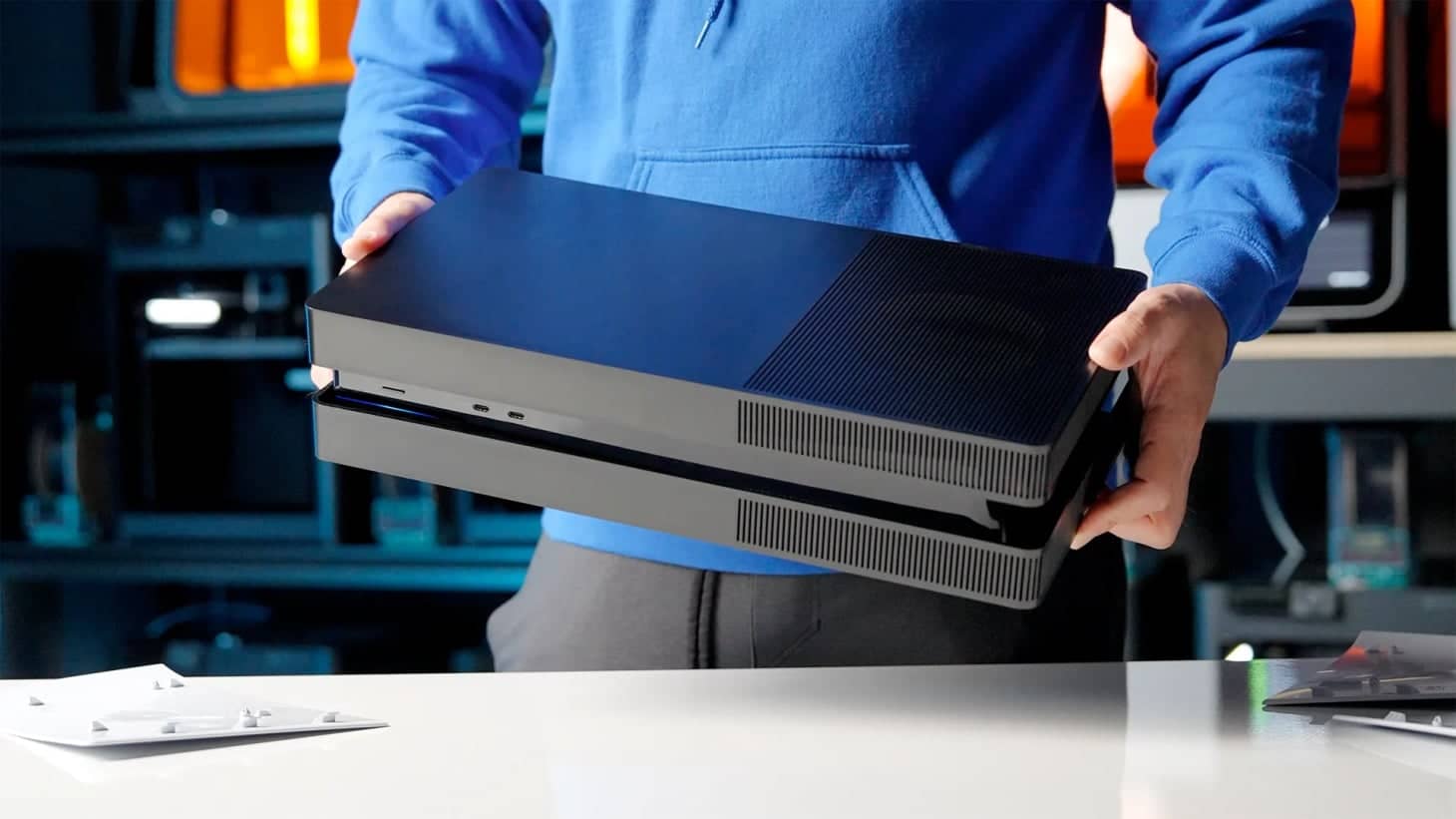
    BoxPlates Skins Revamp PS5 Slim & Pro in Two Weeks

    BoxPlates Skins Revamp PS5 Slim & Pro in Two Weeks

    1 day ago
    Artemis 2 Rockets Beyond Earth—402,000 km From Home

    Artemis 2 Rockets Beyond Earth—402,000 km From Home

    Lift‑off at 8:23 a.m. ET marks first crewed lunar flight since 1972, with a diverse four‑person crew

    1 day ago
    Apple celebrates 50 years with new minimalist wallpapers

    Apple celebrates 50 years with new minimalist wallpapers

    Basic Apple Guy releases iPhone and Mac wallpapers for Apple’s 50th anniversary

    1 day ago
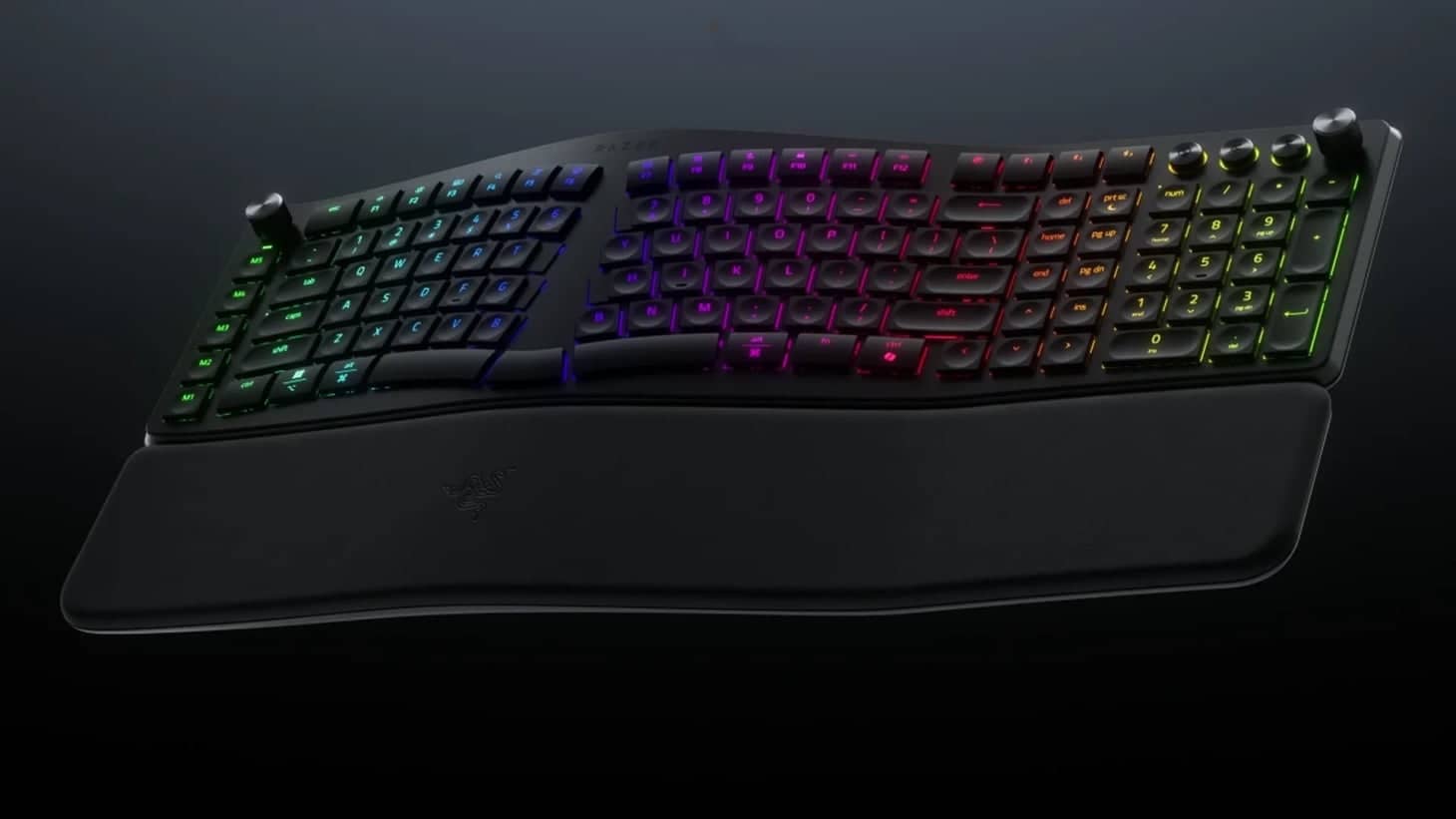
    Razer Unveils Pro Type Ergo Ergonomic Keyboard Today

    Razer Unveils Pro Type Ergo Ergonomic Keyboard Today

    Split design, AI button, and 19‑zone RGB aim at U.S. workers with a 9.7% RSI rate

    2 days ago
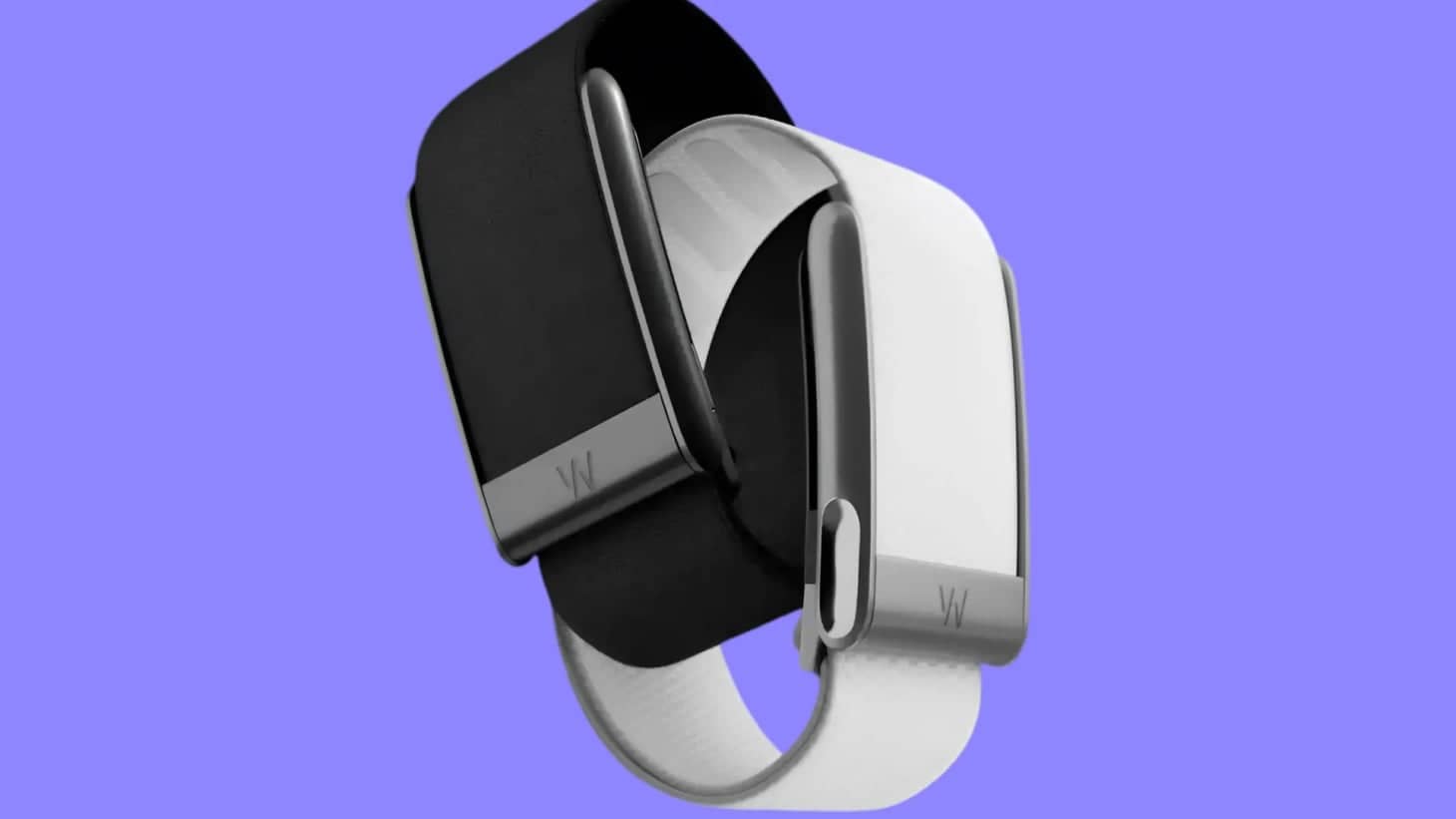
    Google to debut screen‑free Fitbit band in 2026

    Google to debut screen‑free Fitbit band in 2026

    AI‑driven training plan and upgraded platform aim at the health‑tracking market against Oura and Whoop

    2 days ago
    Nothing unveils AI‑powered smart glasses for a 2027 launch

    Nothing unveils AI‑powered smart glasses for a 2027 launch

    The glasses use a paired phone and cloud, with a clear frame and LED accents

    2 days ago
    Google rolls out Veo 3.1 Lite, halving AI video costs

    Google rolls out Veo 3.1 Lite, halving AI video costs

    Veo 3.1 Lite matches Veo 3.1 Fast speed but cuts price by over 50% for devs now

    3 days ago
    Freelander 97 Debuts 800‑V EV Crossover in Shanghai

    Freelander 97 Debuts 800‑V EV Crossover in Shanghai

    Chery‑JLR showcases ADS 4.1 autonomy on 800‑V platform, eyeing 2028 launch

    3 days ago
    Telegram Launches Version 12.6 With AI Editor, New Polls

    Telegram Launches Version 12.6 With AI Editor, New Polls

    It adds an AI tone editor, richer polls, Live/Motion Photos, and bot management

    3 days ago

    Pixel 11 Pro Renders Leak With Black Camera Bar and MediaTek Modem

    Google’s August 2026 flagship ditches Samsung radios for improved 5G and runs the Tensor G6

    3 days ago

    Anthropic leak reveals Opus 4.7, Sonnet 4.8 in npm 2.1.88

    Leak on March 30‑31 exposed TypeScript, revealing Opus 4.7, Sonnet 4.8, and internal features

    3 days ago
    iOS 26.5 beta lands on iPhone 17 Pro with an 8 GB download

    iOS 26.5 beta lands on iPhone 17 Pro with an 8 GB download

    Apple restores RCS encryption and adds a 12‑month subscription in the update

    3 days ago
    Windows 11 24H2 Brings Dark Mode to Core Utilities

    Windows 11 24H2 Brings Dark Mode to Core Utilities

    Tools like Registry Editor get dark mode in Windows 11 24H2, out in Sep 2026

    4 days ago

    John Noble's 1,024 Thread Implant Powers Warcraft Raids

    John Noble, a former British parachutist turned veteran gamer, received a neural implant with 1,024 threads after a 2024 trial in Seattle. The device lets him control a MacBook with thought alone, turning World of Warcraft raids into hands‑free battles. His story shows how brain‑computer interfaces can expand digital access for disabled veterans and reshape gaming.

    5 days ago
    Apple unveils Siri app for iOS 27, adds 50+ AI agents

    Apple unveils Siri app for iOS 27, adds 50+ AI agents

    iOS 27 Siri app adds Extensions marketplace, eyeing Alexa’s 100,000‑skill store

    5 days ago
    Loading...
Tech/Software

How Claude's Cowork feature manages your Mac files

Anthropic's supervised autonomy system delegates file operations while you stay in control

January 13, 2026, 12:44 pm

Claude Cowork turns file management into delegation. Point it at a folder, describe what you need, and it executes—renaming batches, reorganizing structures, updating references. It pauses before risky moves, asking permission at human intervals while working at machine speed. Available now as a research preview for Claude Max subscribers on macOS.

IMG_1261-2

Summary

  • Cowork is a supervised autonomy feature in Claude that lets AI manage files on your Mac, executing tasks like renaming, organizing, and editing files with intelligent permission gates before major actions.
  • It works by scanning folders, proposing plans, and executing step-by-step while pausing for approval before deletions, bulk renames, or edits that affect dependencies across files.
  • Available as a research preview for Claude Max subscribers on macOS, it aims to reduce manual work in tasks like research organization, content processing, and design workflows — shifting focus from execution to outcome definition.

Three clicks granted Claude full access to a project folder. The AI scanned the contents, proposed a reorganization plan, and started renaming files. No keyboard input required. Anthropic calls this Cowork, and it works like delegating to someone who executes methodically but pauses before any move you might regret later.

This is supervised autonomy. Claude manages your files with agency, but you stay in control through intelligent permission gates.

What Cowork Actually Does

Cowork turns Claude into a file manager that acts on your behalf. You point it at a folder on your Mac. It reads everything inside. It creates new files, edits existing ones, and organizes the structure based on what you ask.

The workflow is direct. You grant folder access through the macOS app. You describe the task in plain language. Claude makes a plan and shows it to you. Then it executes step by step.

Before any significant action, Claude asks permission. Deleting files, bulk renaming, and major edits trigger these gates. You approve or redirect. It completes the task while you work on something else.

This differs from Claude Code, which writes and debugs software. Cowork handles everything else: organizing research notes, batch processing images, updating documentation, and preparing presentation decks. Non-technical work that still takes dozens of manual steps.

How the Permission Model Works

The core design principle is supervised autonomy. Claude doesn't execute blindly. It operates more like autocomplete for entire workflows. You stay in control, but the repetitive execution happens automatically.

Say you ask Claude to rename 200 product photos and update their references across five HTML files. Claude scans the folder structure, identifies all dependencies, and proposes a renaming scheme that shows you the first few examples.

You approve. It processes the batch. It stops if it encounters an edge case—a file that doesn't fit the pattern. It asks how to handle it. You decide. It continues.

The permission gates trigger based on impact scope. Editing a single line in one file? Claude does it immediately. Deleting an entire subfolder? It asks first. Renaming files referenced elsewhere? It maps the dependencies and shows you the cascade effect before changing anything.

Early testers at Anthropic reported that the interruption cadence felt natural after a few uses. You're not micromanaging every action. You're never surprised by what happened while you weren't looking.

Where This Fits in Your Workflow

Cowork solves the last-mile problem of AI assistance. Claude already helped you draft, brainstorm, and research. But the output still lived in a chat window.

You copied, pasted, formatted, renamed, and moved files manually. Cowork closes that gap. It takes the output and integrates it directly into your actual file system.

The use cases cluster around batch operations and repetitive structure work. A designer used Cowork to export 50 Figma frames as PNGs, organize them into presentation folders by category, and generate a markdown index file listing each image with a caption placeholder. Total time: four minutes. Previous manual process: closer to an hour.

A content strategist asked Cowork to scan 30 blog post drafts. It extracted all the headlines and subheads, compiled them into a single spreadsheet with word counts and readability scores, then flagged any posts missing meta descriptions. Claude did it in one continuous run, pausing only to confirm the output format for the spreadsheet.

Integration With Existing Tools

You can pair Cowork with Claude in Chrome for tasks that need both file and browser access. Example: scraping a table from a website, reformatting the data, saving it as a CSV in a specific folder, then opening that file in Google Sheets and applying conditional formatting.

Cowork handles the file operations. Claude in Chrome handles the web scraping and Sheets formatting. The two modes work in sequence without you switching contexts.

Claude can also use your existing connectors, which link Claude to external information sources, expanding what Cowork can access and integrate during task execution.

Why This Launches as a Research Preview

Anthropic isn't positioning this as a finished product. It's available now only to Claude Max subscribers on macOS as a research preview. That phrasing signals two things: the feature works, but the company wants to observe real-world usage patterns before expanding it.

File system access carries higher stakes than text generation. If Claude misinterprets a delete instruction, you lose data. If it edits the wrong file, you might not notice until later. The permission model mitigates risk, but human behavior under cognitive load is unpredictable. People approve things quickly when they're busy. They assume the AI understood correctly.

Research previews let Anthropic collect interaction logs, identify edge cases, and refine the interruption triggers before rolling this out to millions of users. The company serves more than 300,000 business customers as of September 2025. That scale demands careful validation.

The macOS-only launch also makes sense from a containment perspective. macOS has robust file permission layers and version control hooks. If something breaks, recovery options are well documented. Expanding to Windows and Linux comes later, after Anthropic validates the interaction model and addresses platform-specific quirks.

What Changes When AI Manages Your Files

The real shift isn't speed. It's decision offloading. You stop thinking about how to execute repetitive tasks and start thinking only about what outcome you want.

That sounds like automation, but it's closer to delegation. Automation follows rigid scripts. Delegation adapts to exceptions. Cowork handles both the expected path and the weird edge case, then asks you to decide when it genuinely doesn't know what you'd prefer.

This creates a new category of work: task definition. You need to describe what you want clearly enough that Claude builds the right plan, but vaguely enough that you're not writing step-by-step instructions.

The Learning Curve

Early users reported a learning curve around prompt specificity. Too vague, and Claude asks clarifying questions that slow things down. Too specific, and you might as well do it manually.

The ideal prompt hits a middle register: "Organize these research PDFs by publication year, create a subfolder for each year, and generate a README listing the papers with author names and titles." That's specific about structure but leaves execution details to Claude.

Compare that to "Sort my files," which triggers a long Q&A thread. Or "Move file A to folder B, then rename file C, then..." which turns you into a script writer instead of a delegator.

The other change is trust calibration. You're training yourself to evaluate when Claude's plan makes sense and when it missed something. That's a skill. It resembles code review more than proofreading. You're not checking every character. You're verifying the logic, catching structural errors, and approving the approach before execution happens at scale.

The Unanswered Questions

We don't yet know how this performs under real cognitive load. All the examples so far come from controlled scenarios where users explicitly tested Cowork. What happens when you're juggling three projects, context switching rapidly, and you grant folder access without fully reading Claude's plan? Does the permission model actually prevent costly mistakes, or does it just create the illusion of control while you're approving reflexively?

Claude operates within token budgets—the maximum amount of text the AI can process in one interaction. Large folders with hundreds of files might exceed what the model can parse in one pass. How does Cowork handle that? Does it process in chunks? Does it summarize folder contents and ask you to narrow scope? The current documentation doesn't specify. That matters for anyone working with large repositories or media libraries.

Cowork asks before significant actions, but "significant" is subjectively defined by Anthropic's design team. What if your definition of significant differs? Can you configure those thresholds, or are they fixed? And what happens if Claude misidentifies a file as unimportant and edits it without asking?

These aren't theoretical concerns. They're the gaps between demo and deployment. The research preview phase exists to surface exactly these issues.

What You Can Evaluate Now

Anthropic is collecting usage data to decide how Cowork expands. Windows and Linux support will follow if the macOS version proves stable. If you're a Claude Max subscriber on macOS, the research preview is live now. If you're on another plan or platform, you can join the waitlist for future access.

The version you'll eventually get is being shaped by the people testing it today. Their feedback determines which permission thresholds get adjusted, which edge cases get handled proactively, and which tasks prove too complex for the current model.

The question isn't whether AI can manage your files. It's which tasks you'll trust it to finish while you're busy doing something else. Cowork gives you a way to test that boundary with supervised autonomy: Claude executes at machine speed, but it checks in at human intervals. You decide when delegation makes sense and when you need to stay hands-on.

That's the shift Cowork introduces. Not replacement, not full automation. Delegation with intelligent checkpoints. How far you push those boundaries depends on what you discover in practice.

What is this about?

  • human-AI collaboration/
  • autonomous AI agents/
  • enterprise AI governance/
  • file system automation/
  • task delegation/
  • workflow integration

Feed

    Cursor 3 Launches Unified AI Coding Workspace

    Cursor 3 Launches Unified AI Coding Workspace

    Side‑panel lets devs toggle local and cloud agents, building on Composer 2 and Kimi 2.5

    about 12 hours ago
    Orion’s Six‑Minute Burn Puts Artemis 2 on Free‑Return Path

    Orion’s Six‑Minute Burn Puts Artemis 2 on Free‑Return Path

    iPhone 17 Pro Max survives Orion’s deep‑space test as crew heads to lunar flyby

    about 13 hours ago
    Android 17 Introduces System‑Level Notification Rules

    Android 17 Introduces System‑Level Notification Rules

    Samsung’s One UI 9 will adopt Android 17’s rules, adding OS‑level alert control

    about 13 hours ago

    Nvidia rolls out DLSS 4.5, 6× boost on RTX 50-series

    Dynamic Multi‑Frame Generation smooths 120–240 Hz, delivered in the driver 595.97

    about 16 hours ago
    Apple rolls out iOS 18.7.7 to block DarkSword

    Apple rolls out iOS 18.7.7 to block DarkSword

    Patch fixes six Safari bugs, stopping DarkSword on iOS 18–18.7 devices

    1 day ago
    BoxPlates Skins Revamp PS5 Slim & Pro in Two Weeks

    BoxPlates Skins Revamp PS5 Slim & Pro in Two Weeks

    1 day ago
    Artemis 2 Rockets Beyond Earth—402,000 km From Home

    Artemis 2 Rockets Beyond Earth—402,000 km From Home

    Lift‑off at 8:23 a.m. ET marks first crewed lunar flight since 1972, with a diverse four‑person crew

    1 day ago
    Apple celebrates 50 years with new minimalist wallpapers

    Apple celebrates 50 years with new minimalist wallpapers

    Basic Apple Guy releases iPhone and Mac wallpapers for Apple’s 50th anniversary

    1 day ago
    Razer Unveils Pro Type Ergo Ergonomic Keyboard Today

    Razer Unveils Pro Type Ergo Ergonomic Keyboard Today

    Split design, AI button, and 19‑zone RGB aim at U.S. workers with a 9.7% RSI rate

    2 days ago
    Google to debut screen‑free Fitbit band in 2026

    Google to debut screen‑free Fitbit band in 2026

    AI‑driven training plan and upgraded platform aim at the health‑tracking market against Oura and Whoop

    2 days ago
    Nothing unveils AI‑powered smart glasses for a 2027 launch

    Nothing unveils AI‑powered smart glasses for a 2027 launch

    The glasses use a paired phone and cloud, with a clear frame and LED accents

    2 days ago
    Google rolls out Veo 3.1 Lite, halving AI video costs

    Google rolls out Veo 3.1 Lite, halving AI video costs

    Veo 3.1 Lite matches Veo 3.1 Fast speed but cuts price by over 50% for devs now

    3 days ago
    Freelander 97 Debuts 800‑V EV Crossover in Shanghai

    Freelander 97 Debuts 800‑V EV Crossover in Shanghai

    Chery‑JLR showcases ADS 4.1 autonomy on 800‑V platform, eyeing 2028 launch

    3 days ago
    Telegram Launches Version 12.6 With AI Editor, New Polls

    Telegram Launches Version 12.6 With AI Editor, New Polls

    It adds an AI tone editor, richer polls, Live/Motion Photos, and bot management

    3 days ago

    Pixel 11 Pro Renders Leak With Black Camera Bar and MediaTek Modem

    Google’s August 2026 flagship ditches Samsung radios for improved 5G and runs the Tensor G6

    3 days ago

    Anthropic leak reveals Opus 4.7, Sonnet 4.8 in npm 2.1.88

    Leak on March 30‑31 exposed TypeScript, revealing Opus 4.7, Sonnet 4.8, and internal features

    3 days ago
    iOS 26.5 beta lands on iPhone 17 Pro with an 8 GB download

    iOS 26.5 beta lands on iPhone 17 Pro with an 8 GB download

    Apple restores RCS encryption and adds a 12‑month subscription in the update

    3 days ago
    Windows 11 24H2 Brings Dark Mode to Core Utilities

    Windows 11 24H2 Brings Dark Mode to Core Utilities

    Tools like Registry Editor get dark mode in Windows 11 24H2, out in Sep 2026

    4 days ago

    John Noble's 1,024 Thread Implant Powers Warcraft Raids

    John Noble, a former British parachutist turned veteran gamer, received a neural implant with 1,024 threads after a 2024 trial in Seattle. The device lets him control a MacBook with thought alone, turning World of Warcraft raids into hands‑free battles. His story shows how brain‑computer interfaces can expand digital access for disabled veterans and reshape gaming.

    5 days ago
    Apple unveils Siri app for iOS 27, adds 50+ AI agents

    Apple unveils Siri app for iOS 27, adds 50+ AI agents

    iOS 27 Siri app adds Extensions marketplace, eyeing Alexa’s 100,000‑skill store

    5 days ago
    Loading...
banner