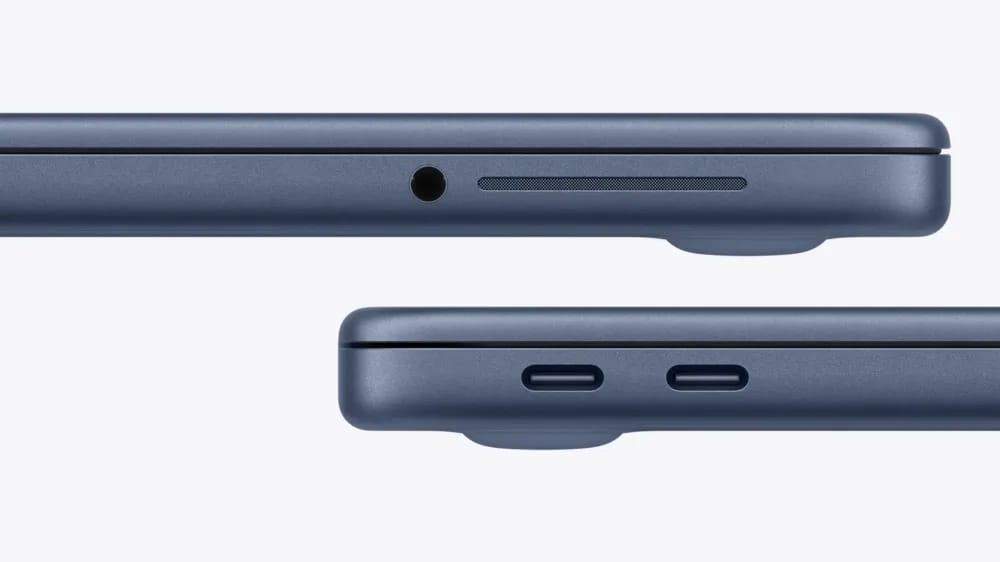

Apple's new MacBook Neo gives you two USB‑C ports that run at different speeds, and macOS warns you if you attach a display to the slower one.
The left‑hand port pushes up to 10 Gb/s. The right‑hand port tops out at 480 Mbps—the same speed as legacy USB 2.0. Plug a 4K monitor into the slower side and macOS pops up a notice that the connection can't support a 4K 60 Hz display.
- Use the 10 Gb/s port for 4K external monitors, external SSDs, and video capture devices.
- The 480 Mbps port is intended for keyboards, mice, and low‑bandwidth accessories.
- Both ports charge the MacBook at the same power‑delivery rate.
System Information in the USB section tells you which side is which, so you can route peripherals correctly and avoid time‑consuming cable swaps.
Apple's technical specifications confirm the speed split, and macOS documentation explains the warning system that helps you set up your workstation without trial and error.