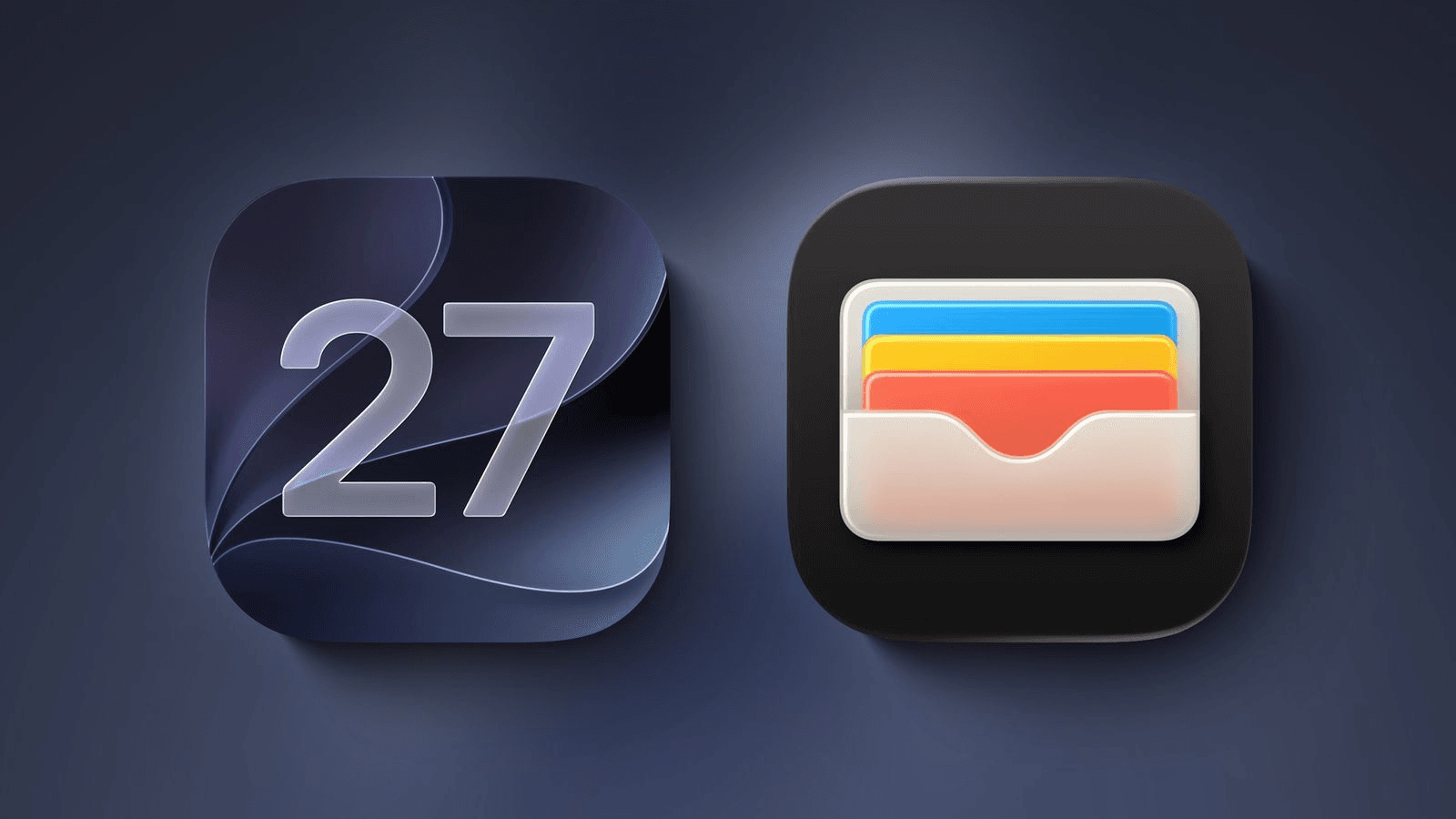

Apple announced six new features for the Wallet app at WWDC 2026, held June 8–12 this year. The updates arriving in iOS 27 focus on reducing the clutter of physical cards, simplifying group payments, and giving users more control over how passes and loyalty cards appear on iPhone.
The changes address friction points in daily routines for users who frequently dine out in groups, travel with loyalty programs, or order online. Enhanced passes expand visual treatments first introduced for boarding passes in iOS 26, while new barcode scanning and splitting tools aim to reduce the need to carry physical cards or calculate shared costs manually.
Enhanced passes for loyalty and gift cards
iOS 27 expands the enhanced pass design introduced for boarding passes in iOS 26 to all other pass types: loyalty cards, rewards programs, membership cards, and gift cards. The new Poster Generic pass style emphasizes large artwork and background images, making cards easier to identify at a glance.
Below each pass, Featured Actions surface up to two interactive tiles, such as links to check membership benefits or redeem offers, without opening a separate app. Apple also released Pass Designer, a new macOS app available in beta on macOS 27, so merchants and developers can create and preview these enhanced passes before distributing them.
Enhanced hotel keys with trip details
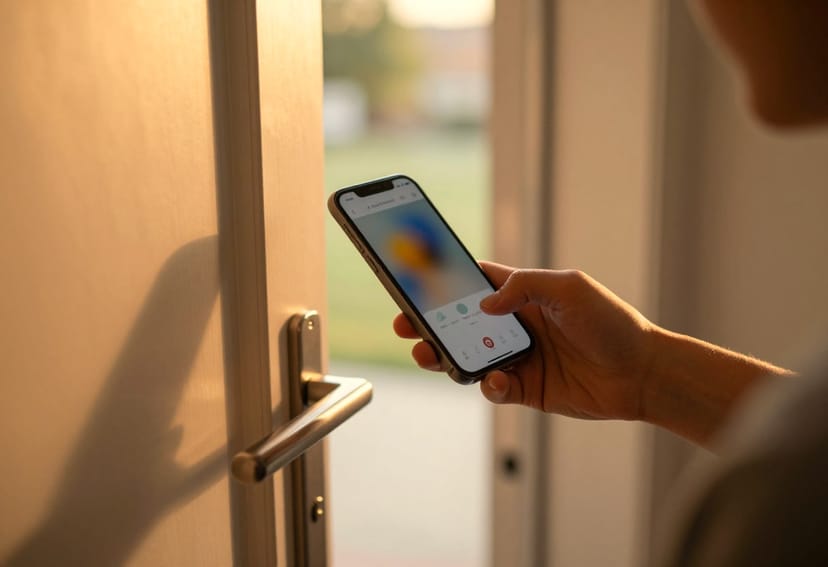
iOS 27 supports enhanced digital keys at participating hotels and resorts. When users check in, Wallet keys now display more than room access. Users can view trip details, receive updates about booked activities, and browse services available during their stay, all from the same card. Apple has not yet shared which hotel brands or locations will offer these upgraded keys at launch.
Create custom passes by scanning physical cards
Users can now digitize any physical card with a barcode by pointing their iPhone at it. Using Siri mode in the Camera app, the system identifies the barcode and prompts users to save it to Wallet. Once added, the pass is ready to present as a barcode or QR code, eliminating the need to carry the physical version. This works for loyalty cards, membership cards, and other barcode-based credentials.
Support for four new barcode types
Apple Wallet passes can now display four additional barcode formats: EAN-13, Code 39, Codabar, and Interleaved 2 of 5 (ITF). This expands compatibility with retailers, gyms, libraries, and other organizations that use less common barcode standards.
Split bills with Apple Cash
Available in the United States only, iOS 27 introduces a bill-splitting feature powered by Apple Cash and Apple Intelligence. The feature works in three places: the Wallet app, the Messages app, or via Siri mode in the Camera app.
When users point their iPhone at a receipt using Siri mode, the system surfaces the option to split the bill and identifies individual items. As users select their items, it calculates their total automatically, including their correct share of tax and tip. Users can then pay exactly what they owe via Apple Cash.
Wallet order tracking expands to Australia and Canada
Starting with iOS 27, Apple Wallet's order tracking feature is available in Australia and Canada. Previously, the feature was limited to the United States and the United Kingdom. This gives users a centralized view of deliveries across participating retailers, without needing to open individual shopping apps or check email confirmations.