
YouTube redesigned its TV interface, relocating controls to the bottom edge and adding a one-tap Description button. The update rolls out in phases across smart TV platforms—your screen may not change immediately.
Why it matters: As YouTube becomes increasingly central to TV viewing experiences, interface improvements directly impact how millions of users navigate content from their living rooms. The changes aim to make the platform more intuitive for remote control navigation.
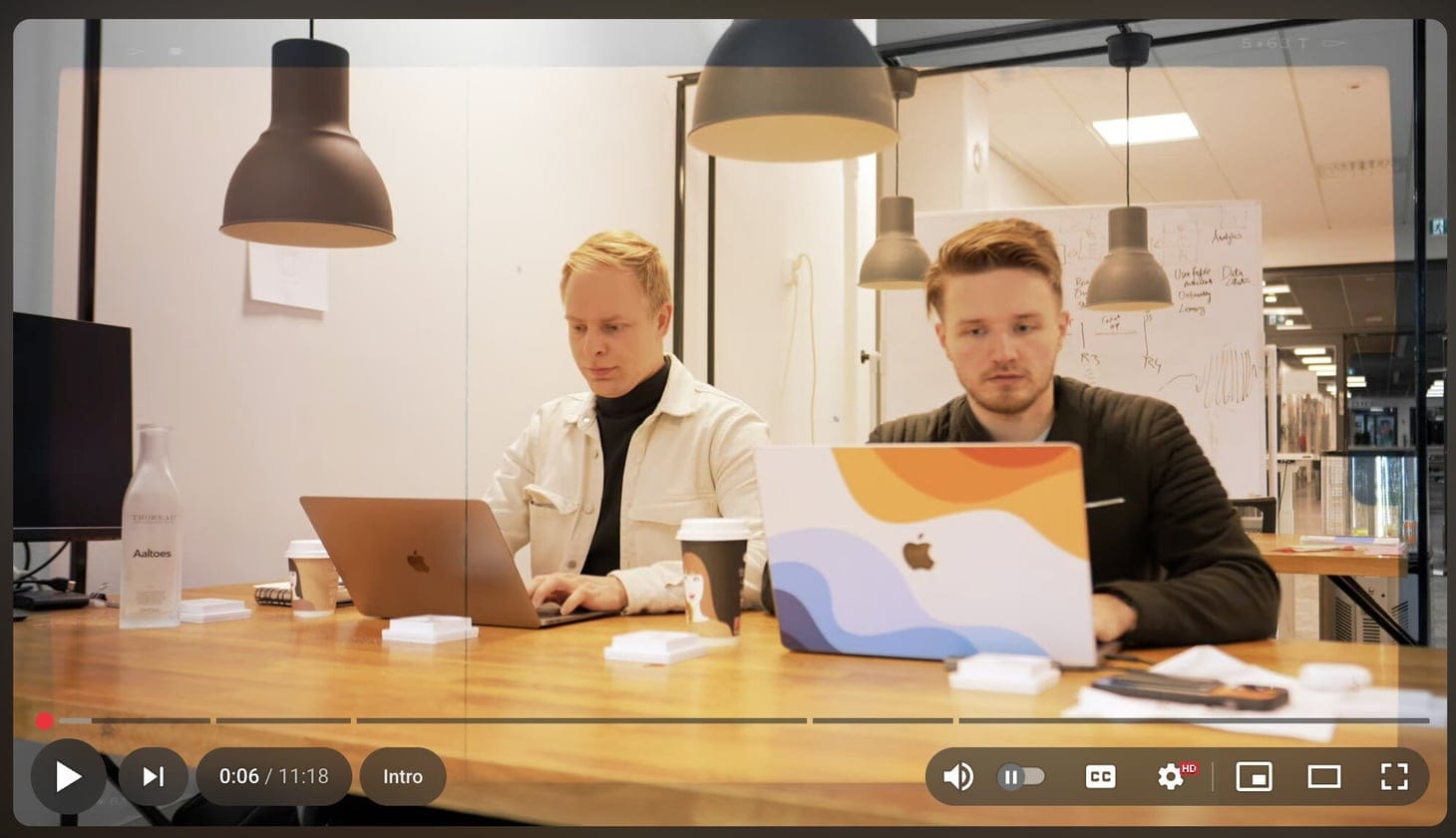
What changes on your screen: Video titles and playback controls move closer to the bottom edge, making them more visible from across the room. A new Description button appears alongside standard options, providing direct access to video information—upload date, channel details, and full descriptions—that previously required multiple menu clicks.
The rollout timeline: YouTube deploys this update in phases across platforms. Android TV, Apple TV, Fire TV, and Roku devices receive changes on different schedules. The company monitors performance before expanding to all screens.
The update arrives server-side, meaning no manual software updates are required—the interface changes when enabled for your device.
Why TV interfaces differ: Designing for television viewing requires different approaches than mobile or desktop. Users sit farther away, use limited input devices like basic remotes, and often share control. The repositioned layout prioritizes features accessed most often via TV remote navigation.
What's next: YouTube hasn't specified which smart TV brands receive priority in the rollout. The phased approach suggests YouTube plans to adjust based on user feedback rather than commit to a single design—a departure from typical platform rollouts.
What to watch: As more devices receive the update, user responses will likely prompt refinements. The interface you see next month may differ slightly from today's version. Check your specific device's YouTube app periodically to see when the changes arrive.