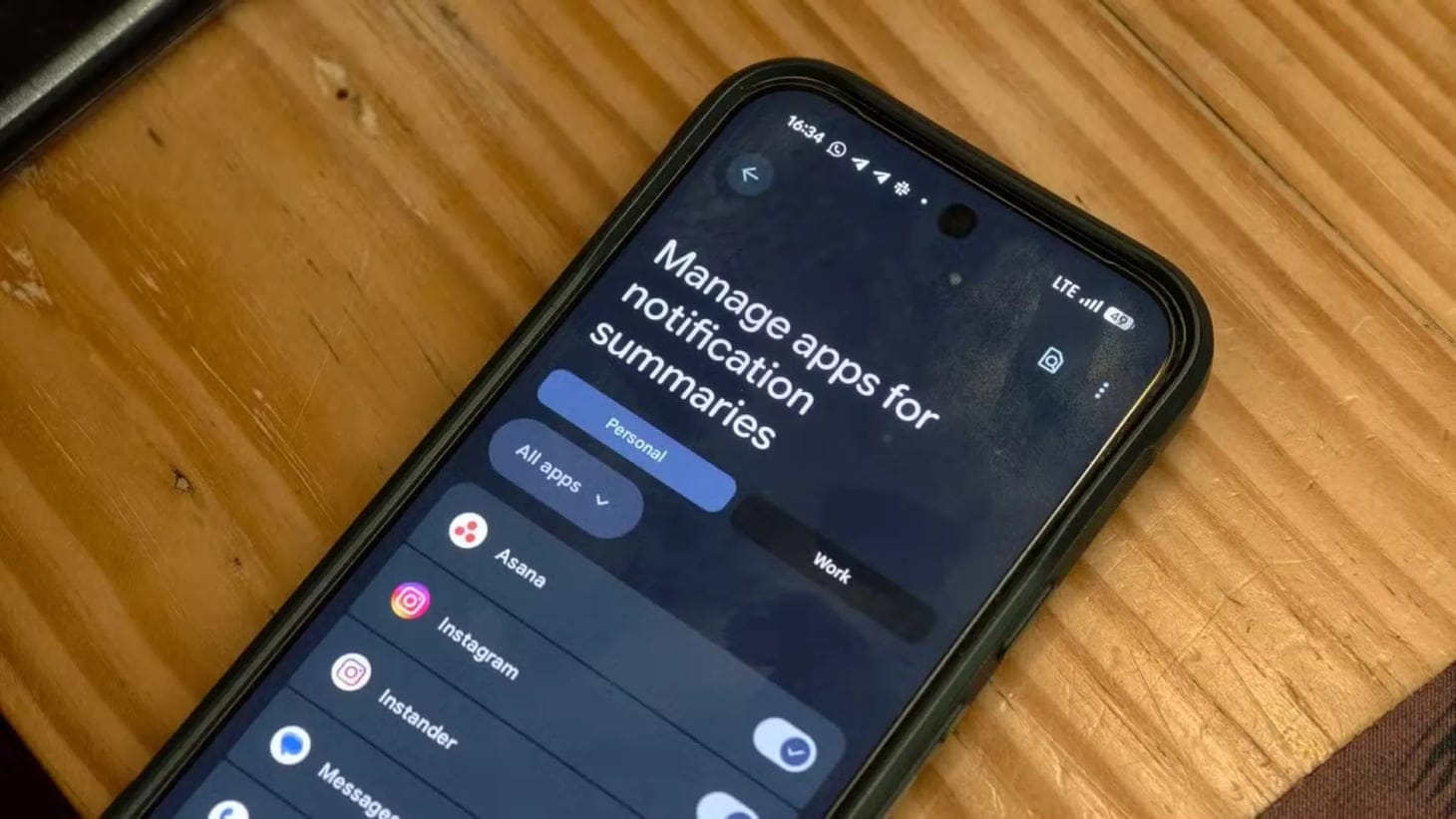

Android 17 is set to introduce Notification Rules, a system level automation feature discovered in the latest beta that lets users control how their phone handles alerts, app by app, contact by contact, call by call. It's the kind of feature that feels obvious in hindsight, yet radical in practice: fewer interruptions, no third-party workarounds, and control that lives where it should, inside the OS itself.
Notification Rules offers scenario based alert management. Users define conditions (time of day, sender, app category) then assign an action: Silence, Block, Silence & Bundle, Highlight, or Highlight & Alert. The system applies these rules to apps, specific contacts, phone calls, and text messages, creating a custom notification layer that adapts to context rather than forcing users to adapt to noise.
The interface mirrors Do Not Disturb settings, lowering the learning curve for anyone familiar with Android's existing focus modes. Rules take effect immediately, no app restart required.
This moves notification filtering from the third-party layer to the system layer. Apps like BuzzKill have long filled the gap, but native integration means consistent behavior, lower battery drain, and tighter privacy. Processing stays on device, aligned with Android's broader push toward local data handling.
It also signals a maturation in how platforms think about attention. Rather than treating notifications as a binary (on or off), Android 17 acknowledges that context shapes urgency. A work email at 9 PM isn't the same as one at 9 AM. A text from family deserves different treatment than a promotional message.
Android Authority discovered the Notification Rules feature in early beta testing, confirming smooth rule creation and instant enforcement. The outlet highlighted the familiar UI, noting that long-time Android users would recognize the design patterns from existing notification and Do Not Disturb controls.
The feature won't arrive in the initial Android 17 release, since the system has already reached Platform Stability. Instead, it's expected to roll out in a later Quarterly Platform Release (QPR) update. Samsung is also preparing to integrate it. Mentions of the feature were found in a leaked One UI 9 build, suggesting that manufacturer overlays will adopt the system rather than replace it with proprietary alternatives.
For designers and developers, this raises a question: how do we build apps that respect user-defined boundaries? Notification Rules doesn't just change user behavior. It changes the ethical contract between apps and attention.